Things to Know for Staying Connected on Your Europe River Cruise
On our Budapest to Amsterdam river cruise, some of our favorite moments happened before and after the included group tours. The ship would dock earlier than expected, the gangway would go down, and we’d walk off to explore before the crowds showed up.
Navigating a new city at 7am, finding a local bakery, figuring out where the old town actually was – all of that was easier because we had our phones set up the right way.
Staying connected on a river cruise is a different challenge than most trips. You’re moving through multiple countries, sometimes past cities and sometimes wilderness, often without knowing exactly where you’ll dock the next morning.
We ran WiFi and phone data speed tests at almost every port on the Emerald Sun and paid attention to what worked and what didn’t. In this post, we share connectivity tips that will apply to almost any European river cruise.
👉 Want our free port guide for the Budapest to Amsterdam sailing? It includes WiFi speed test results at every port, daily itinerary images, dinner menus, a Google Map with all our docking locations, and day-by-day excursion timing for Emerald Waterways.
Get access here >
Table of Contents
Video: Things to know for staying connected on your Europe river cruise
Ship WiFi: What to expect
The Emerald Sun offered WiFi from Starlink included in the fare, and for most on-board tasks it was good.
When we were docked, speeds generally came in around 10 Mbps download – enough for email, maps, light browsing, and occasionally streaming. Upload speeds averaged around 4 Mbps.
The full speed test data from our sailing – ship WiFi and eSIM at every port – is in the free Budapest to Amsterdam resource bundle.
That said, it is not a private connection. On a ship with 170 passengers, speeds can lag when many people are online at the same time.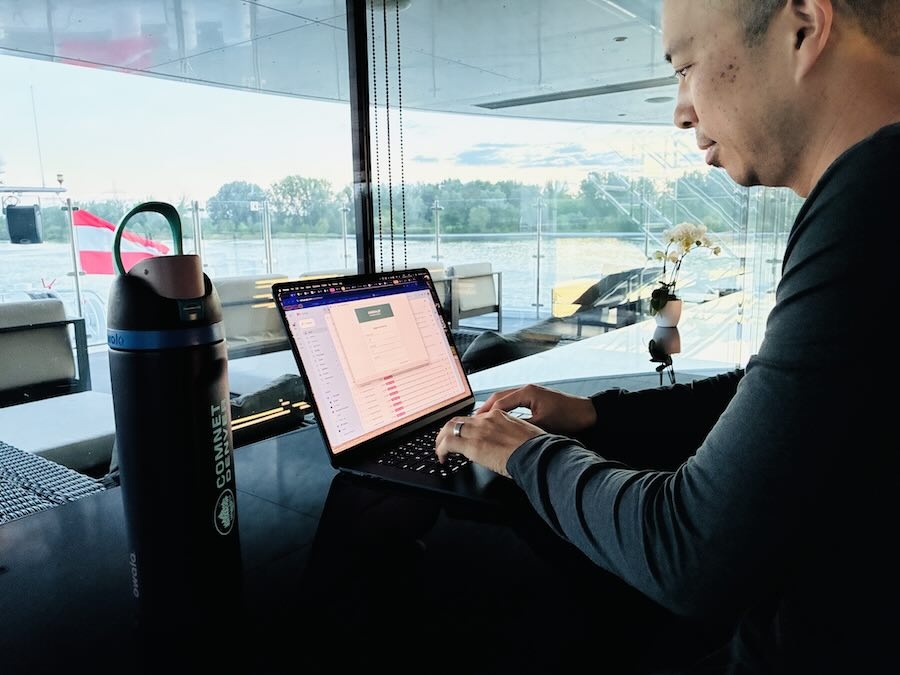
These days, more and more river cruises are upgrading their WiFi with Starlink satellites, including Viking, Ama, Avalon, and American Cruise Lines. Some of these may limit daily usage per-passenger.
Ship WiFi also does not help you once you’re off the ship. That’s where your own data plan matters (more on that soon).
The dead zone pattern that’s unique to river cruises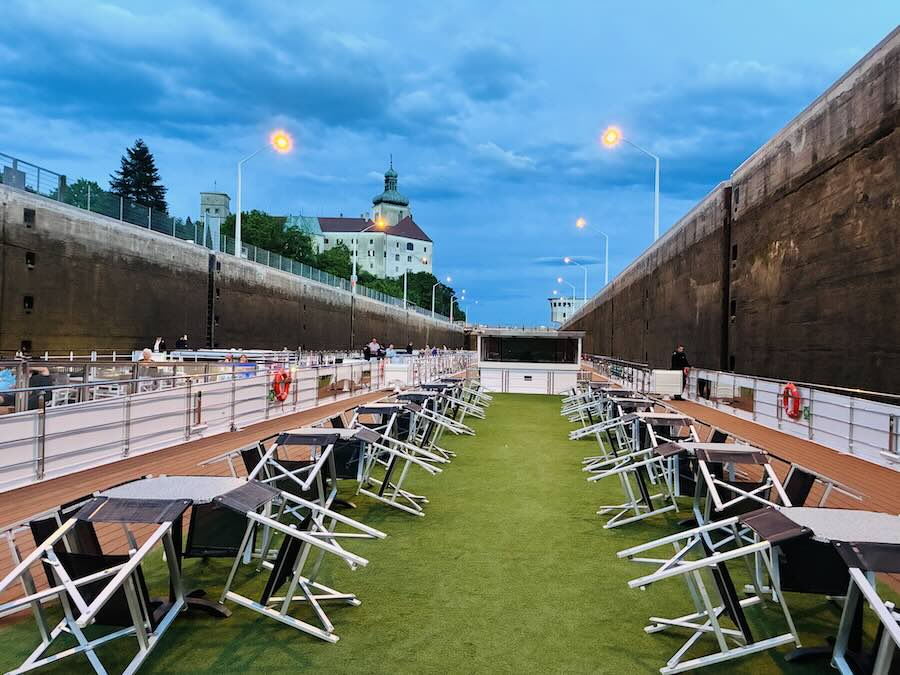

When the ship passed through a lock, we found that both the ship’s WiFi and our eSIM signal would sometimes drop.
Because the ship was entering a narrow concrete chamber, it’s not surprising that connectivity might cut out for a bit. On our Budapest to Amsterdam route there were many locks, especially through the Main-Danube Canal in Germany.
In one of the larger locks, our GPS also went offline briefly. And when we wanted to see where we were in Google Maps while sailing, we found that the GPS (the little blue dot on the map) often couldn’t tell our location accurately on the river.
Really rural areas also had dead zones, like when we were sailing the curves of the Danube.
The practical takeaway: neither ship WiFi nor an eSIM is 100% reliable on a moving ship. Both worked well most of the time, though.
The ports with the strongest eSIM signal were Nuremberg (over 700 Mbps!), Amsterdam, and Cologne. The weakest stretches were the Danube curves, the early-morning locks through Germany, and a section of the river near Passau.
If you need a reliable connection for a video meeting or other online work, you might want to have a backup eSIM or mobile hotspot device. Having multiple options means at least one should come back quickly when connectivity returns.
Your options for mobile data
There are four main approaches to stay connected abroad as a traveler:
1. Your home carrier’s international add-on – less setup required, but often the most expensive per gigabyte, and coverage can vary by country.
2. A local SIM card – can offer good value in a single country, but usually requires buying a new card each time you cross a border, which isn’t practical on a multi-country cruise
3. A portable WiFi hotspot device – useful for connecting multiple devices, but one more thing to carry and keep charged
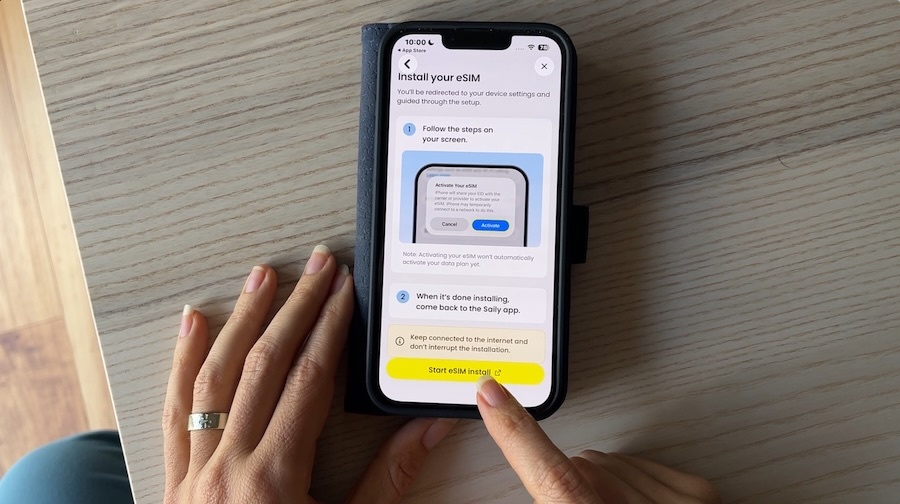
4. An eSIM – a digital SIM installed on your phone that activates a data plan without a physical card. A regional Europe eSIM works across borders automatically, which makes it particularly well-suited to river cruises
For most people doing a multi-country European river cruise, a regional eSIM is our top recommendation.
We tested eSIMs on our sailing and they worked where coverage was available, which was about 90% of the route.
For a closer look at how eSIMs work and how to choose between providers, see our eSIM guide for travelers.
Five countries in fifteen days with a Europe eSIM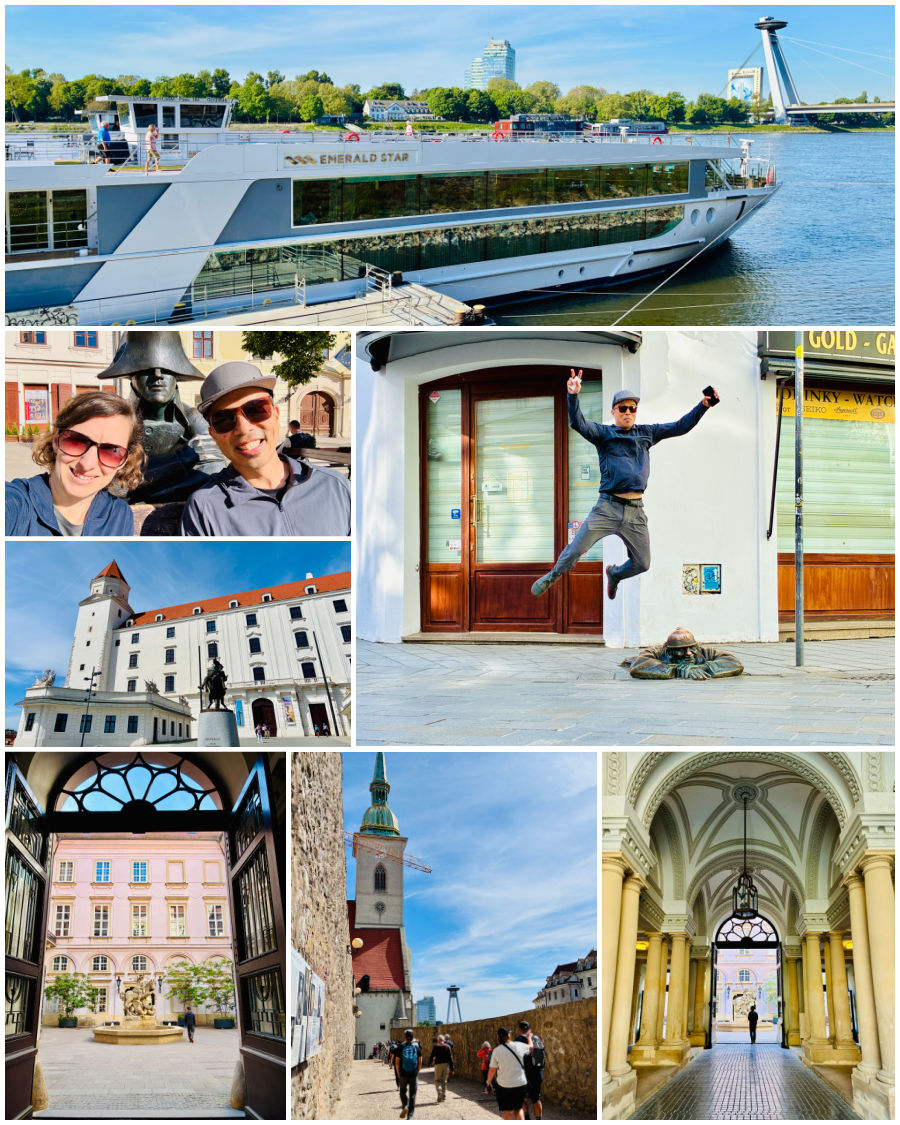

Before you commit to an eSIM, confirm two things:
- whether your phone is unlocked
- whether the phone supports eSIMs
Newer smartphones all have eSIM capability, but it’s worth checking both items above before you purchase a plan.
The Budapest to Amsterdam route crossed Hungary, Slovakia, Austria, Germany, and the Netherlands. We would go to sleep in one country and dock in another by morning.
If your data plan only covers one or two of those countries, you could lose service – or start seeing roaming charges – the moment the ship crosses a border.
A regional Europe eSIM eliminates that problem because it handles country switching automatically.
A few things to know when you’re shopping for a plan:
- Not all plans labeled “Europe” cover every European country, so check the coverage list.
- Even “unlimited” plans throttle speeds after you hit a data cap, so it helps to have an understanding of how much data you might use.
Tip: We walk through how much data you really need (and how to reduce costs with easy tricks to manage your data use abroad) in the WorldWide Connectivity course inside our Toolkit membership.
Activate your eSIM at home on WiFi, not at the airport. Most eSIM plans start their countdown from the moment of activation, not from first use. Activating at home while you have a stable connection means you won’t be troubleshooting a new SIM when you’re jet-lagged and need to navigate.
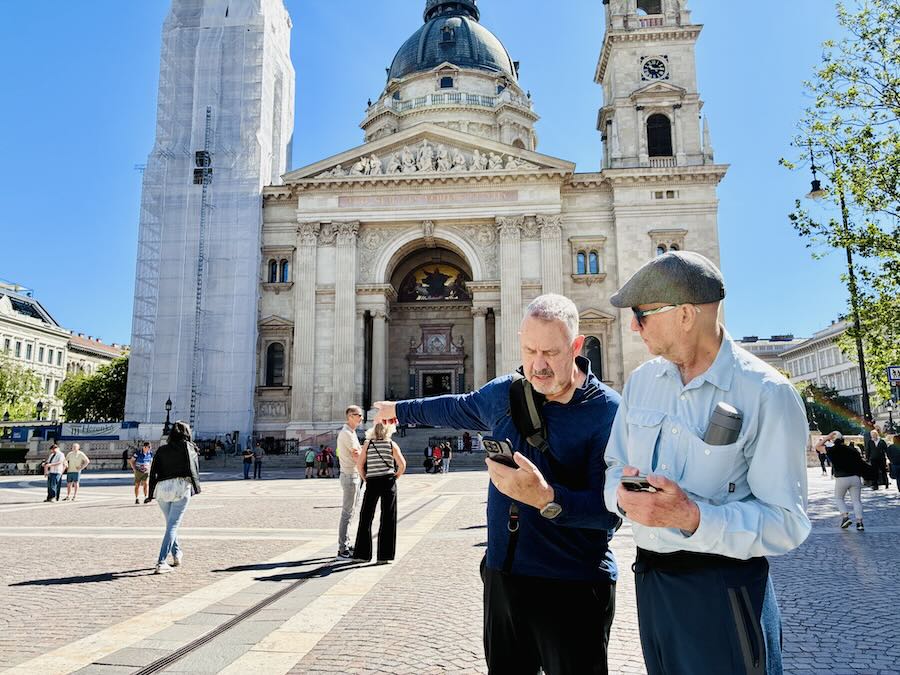
Getting set up before you land
You can purchase an eSIM plan at home and get the eSIM set up before you board your first flight. While most eSIM plans start their countdown from the moment of activation, not from first use, activating while you have stable WiFi at home is recommended.
Don’t wait until you’re jet-lagged and need to navigate.
You can also download offline Google Maps data for each port of call. That way you have offline navigation available even if your data drops. Our Google Maps tutorial walks through exactly how to do this.
Download Google Translate language packs for any languages on the route. Downloading these languages in advance allows most features in the app to work without a data connection.
Other smart river cruise connectivity tips
Use ship WiFi strategically. Docked hours tend to be when WiFi is most reliable. Use the WiFi for anything data-heavy: downloading the next day’s offline maps, uploading photos, making a video call. Save your eSIM data for when you’re out exploring in the towns.
If you’re also traveling with a laptop or tablet, your phone’s eSIM can usually serve as a hotspot to other devices – also called tethering – in case ship WiFi gets weak. We had to tether from our phones a few times, and if we had been working, we would have needed it even more.
Just check that your eSIM plan allows hotspot use – some providers restrict it. (If you need help, we have a phone hotspot guide inside our WorldWide Connectivity course).
Screenshot or save key daily information. Our cruise posted a printed itinerary the night before each port with excursion times, port location, and the all-aboard time. We made a habit of photographing it.
Having essential information somewhere you can access without a connection reduces your risk of getting left behind in port.
Timing details from our May 2026 sailing from Budapest to Amsterdam – including WiFi speed tests at every port – are in our free port guide.
Don’t forget: Battery charging on port days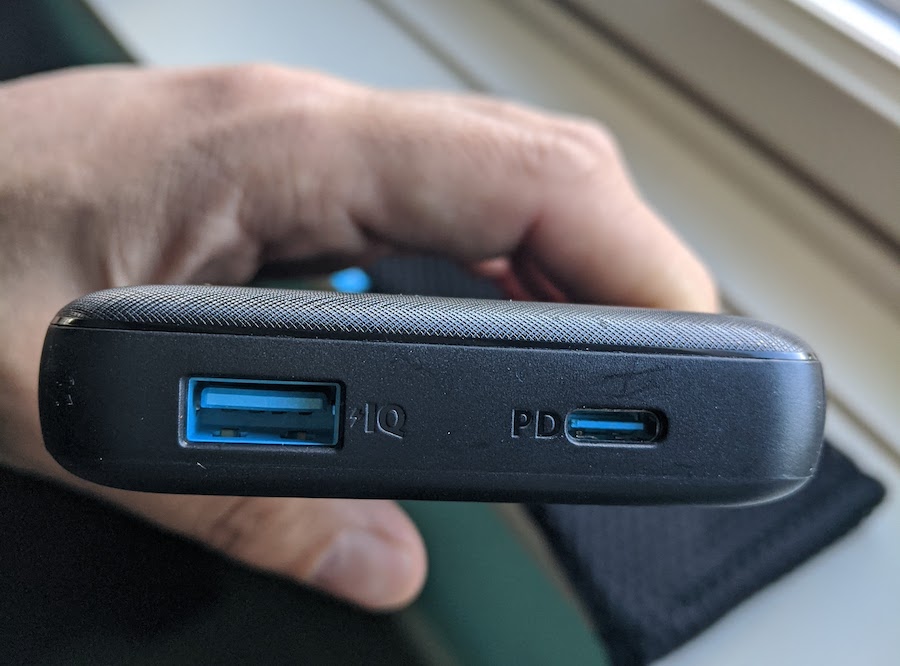

Travelers don’t always realize how much more your phone use might go up compared to being at home. You’ll be taking photos, navigating through unfamiliar streets, translating menus, checking schedules, and messaging your travel companions throughout the day.
That means you’re likely to use phone battery quickly, so remember that power outlets aren’t very accessible when you’re out exploring.
We always carry a small power bank on port days. A few practical notes about chargers:
- Most airlines require power banks to be in your carry-on, not checked luggage
- Some airlines restrict charging in flight or don’t allow storing it in an overhead bin
- See our portable power bank recommendations for travel here
It’s wise to get in the habit of charging your phone once you return to your cabin. For that, check that you pack an appropriate adapter to plug your phone into the ship’s outlets if they’re not the same shape as your home country.
Phone apps to have ready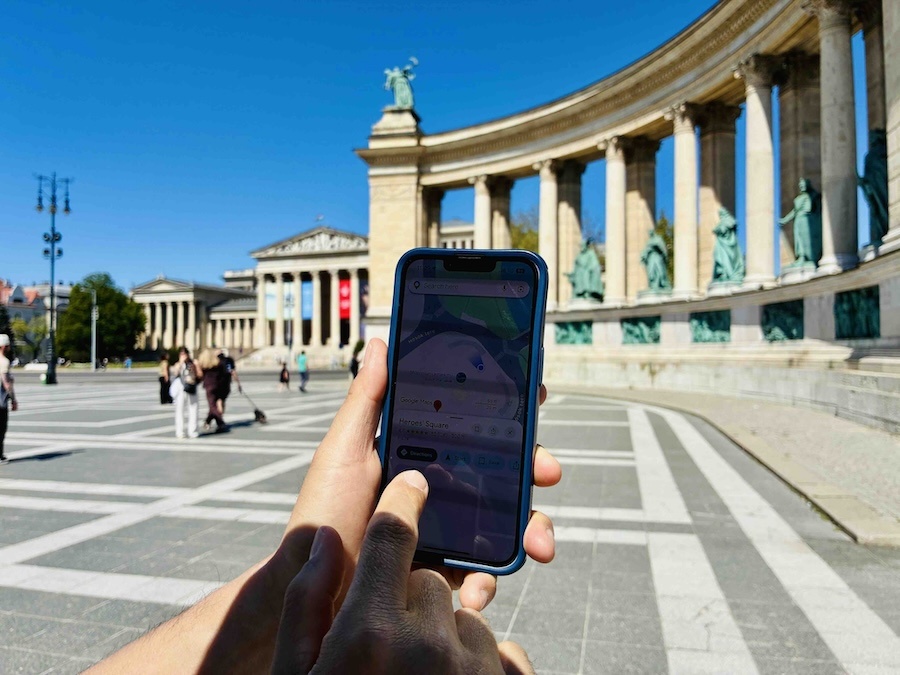
You don’t need a long list. In our Smartphone Savvy Travel course, we teach getting familiar with only four essential apps for smoother, safer international travel. You don’t have to worry about the rest if you don’t want to!
These are the apps we actually used on our Europe cruise:
- Google Maps – for navigation and finding places near the dock, with offline maps downloaded before each country. (Our Budapest to Amsterdam port map will also help if you’re taking that route.)
- WhatsApp – the most practical, affordable way to stay in touch with travel companions on the ship and people at home. Works over WiFi or cellular data and you can keep your regular phone number on it.
- Google Translate – with language packs downloaded offline.
- A currency converter – most of our route used euros, except Hungary uses the forint, and a free app (or your calculator app) can help quickly translate prices.
If you’re doing a lot of independent exploration, a ride-hailing app like Bolt or Uber can help you get across town while avoiding common taxi scams. We didn’t end up needing it on this trip, but it’s good to be familiar with, just in case.
Going deeper on phone and connectivity setup
If you want step-by-step guidance on choosing the right data plan, setting up an eSIM, or getting your apps ready before an international trip, our 📶 WorldWide Connectivity course covers all of it – including how to make decisions based on your specific phone, your travel style, and how much you actually need to stay connected.
Our 📱 Smartphone Savvy Travel course covers apps and phone best practices in depth – Google Maps, Google Translate, and the other tools that make a real difference when you’re navigating independently in unfamiliar places.
Both courses are included inside our Intentional Travelers Toolkit Membership.
You might also like:
- FAQs first-time Emerald river cruisers actually want to know – details on what to expect from 15 days on the Emerald Sun
- Is a river cruise right for DIY travelers? – our video on the pros, cons, and honest trade-offs for independent travel
- Our complete Budapest to Amsterdam port guide – every included tour for each port with our honest ratings and DIY tips
- European destinations we’ve covered on the blog
Like this post? Pin it for later or share with friends!