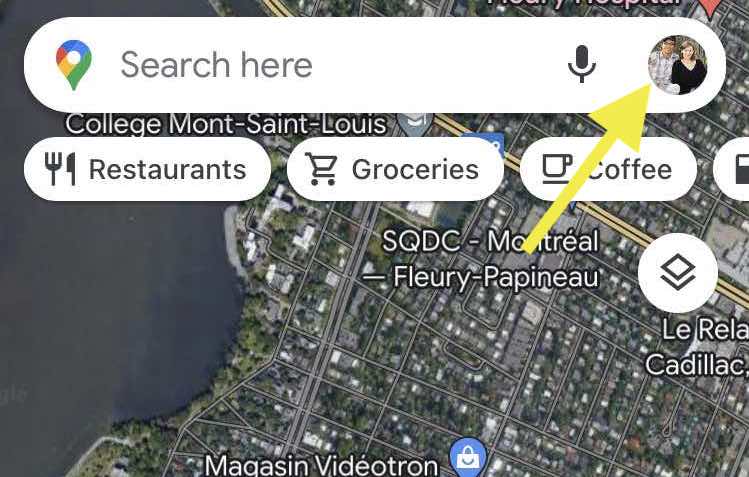
Essential Pre-Travel Smartphone Prep Guide & Free Checklist
Is your phone ready for your next trip? After a decade of nomad travel in dozens of countries, we’ve narrowed down the essential steps to prepare our smartphones for international travel.
– ✓ arrive in new places with more confidence
– ✓ handle unexpected issues with more ease
– ✓ navigate and communicate in unfamiliar destinations
– ✓ avoid costly international phone fees
Get your free copy of our Pre-Travel Phone Prep Checklist
How do I set up my phone for an international trip?
To set up your phone for an international trip, you need to follow the steps in our checklist. Sort your data plan (international carrier add-on, local SIM, or eSIM), download offline maps and translation packs, adjust background data settings to avoid surprise charges, screenshot your key confirmations, and pin important locations in your maps app.
These steps take under an hour altogether and most can be done the day before departure.
Updated: September 2026. Originally published: May 2024.
Watch: My Essential Pre-Travel Phone Prep Checklist VIDEO
In the following video, I share the essential steps to make sure your smartphone is prepped and ready for a smooth arrival in a new country.
6 Steps to Prepare Your Smartphone for International Travel
This article will cover our most essential phone prep tips, but there’s more!
To learn all 12 and save them in a handy checklist format for easy access later, you can copy our checklist for free:
1. Set up Your SIM Card and Data Plan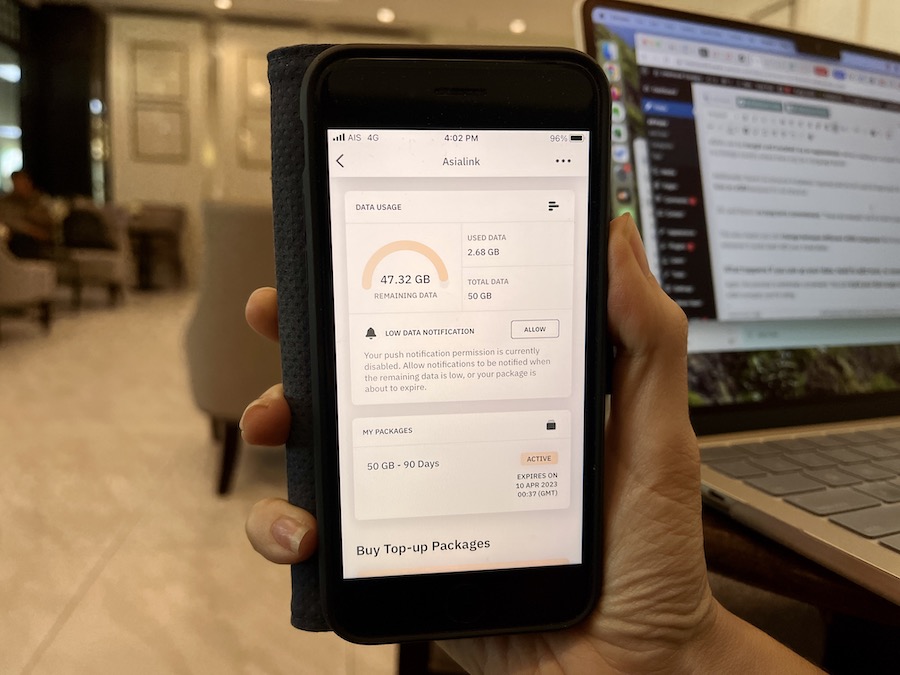
First things first, make sure you have a data plan that suits your needs. In most cases, it’s a good idea to set up your SIM card or eSIM before you leave home for hassle-free connectivity.
Which connectivity option is right for you?
Before you leave home, you need a clear answer to the most important question: how will your phone connect once you land?
If you have our Toolkit or WorldWide Connectivity course, you’ll find a detailed guide to choosing an international phone plan as well as a module on best practices for traveling with eSIMs.
There are three main options, and the right one depends on your phone, your carrier, your destination(s), and how long you’re staying.
- International add-on through your home carrier. Most major phone companies offer a short-term international data add-on. It’s a convenient option since nothing changes on your phone, but it’s often the most expensive.
- Local SIM card. Buying a SIM at your destination gives you a local number and usually much cheaper data. The trade-off is that your home number won’t receive calls or texts while the local SIM is in.
- eSIM. An eSIM is a digital SIM you activate before you fly. If your phone is unlocked and supports eSIM (most phones from 2020 onward do), this is the option worth understanding.
We personally use eSIMs almost exclusively now. For many travelers, an eSIM or a local SIM can save $100’s versus a carrier add-on, especially if you’re taking multiple trips.
2. Download Offline Maps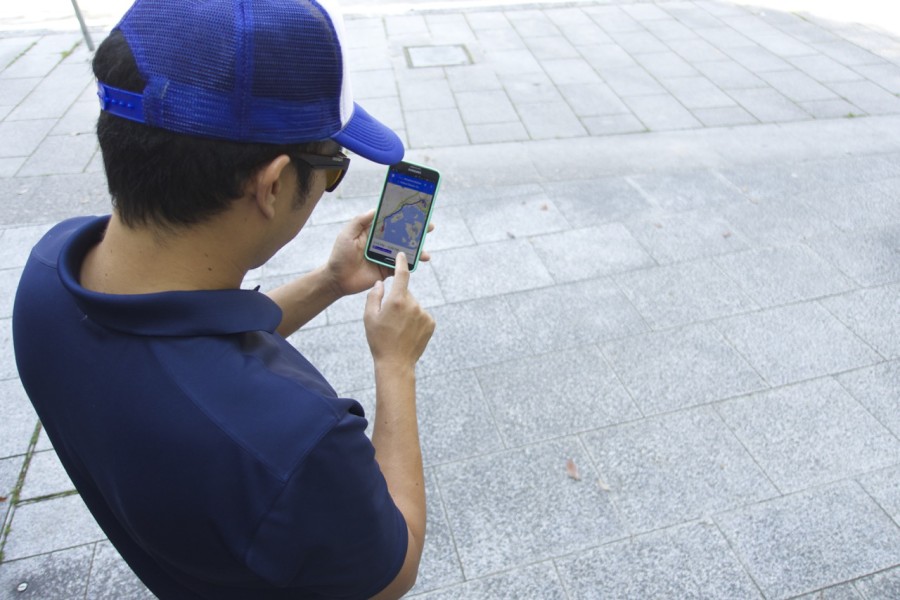

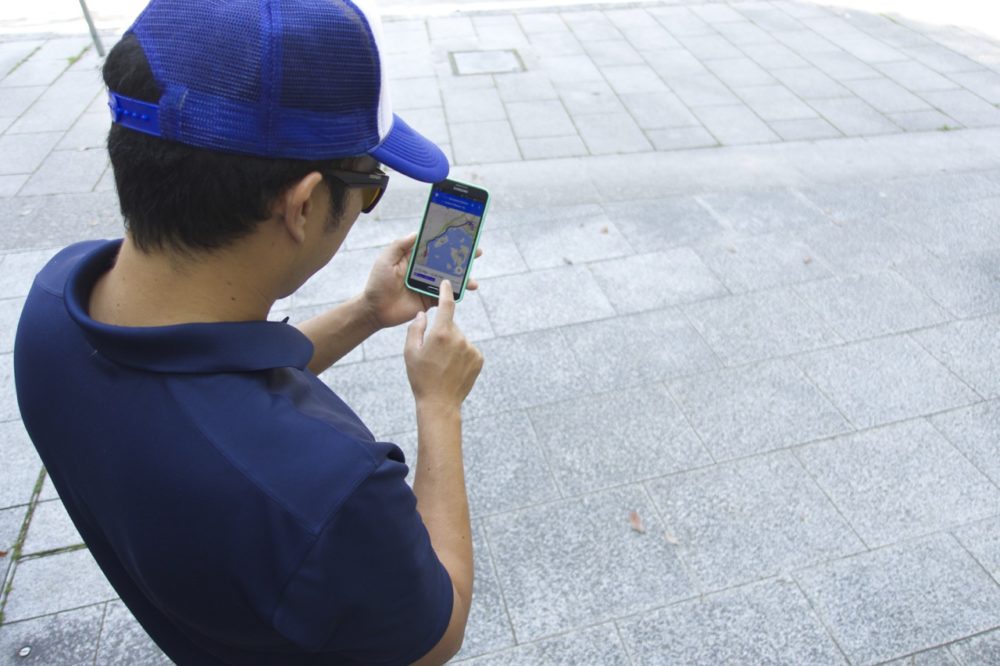
Before you depart, download offline maps for your destination. This is a lifesaver when you’re exploring areas with limited connectivity.
If you have our Toolkit, look for the lessons on how to download offline map data in both WorldWide Connectivity and Google Maps Travel Hacks.
3. Google Translate Language Packs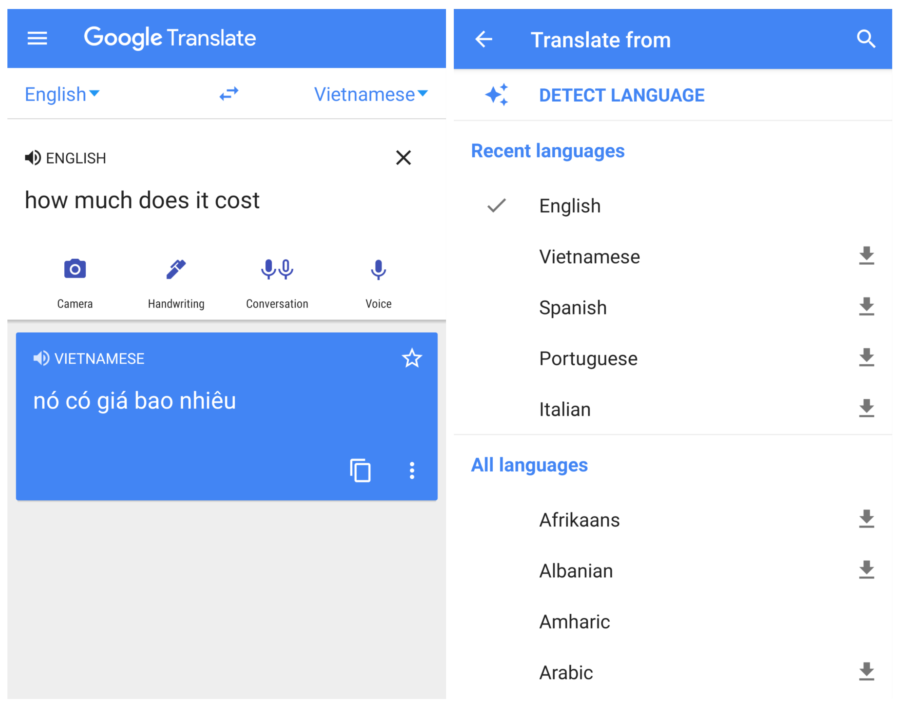

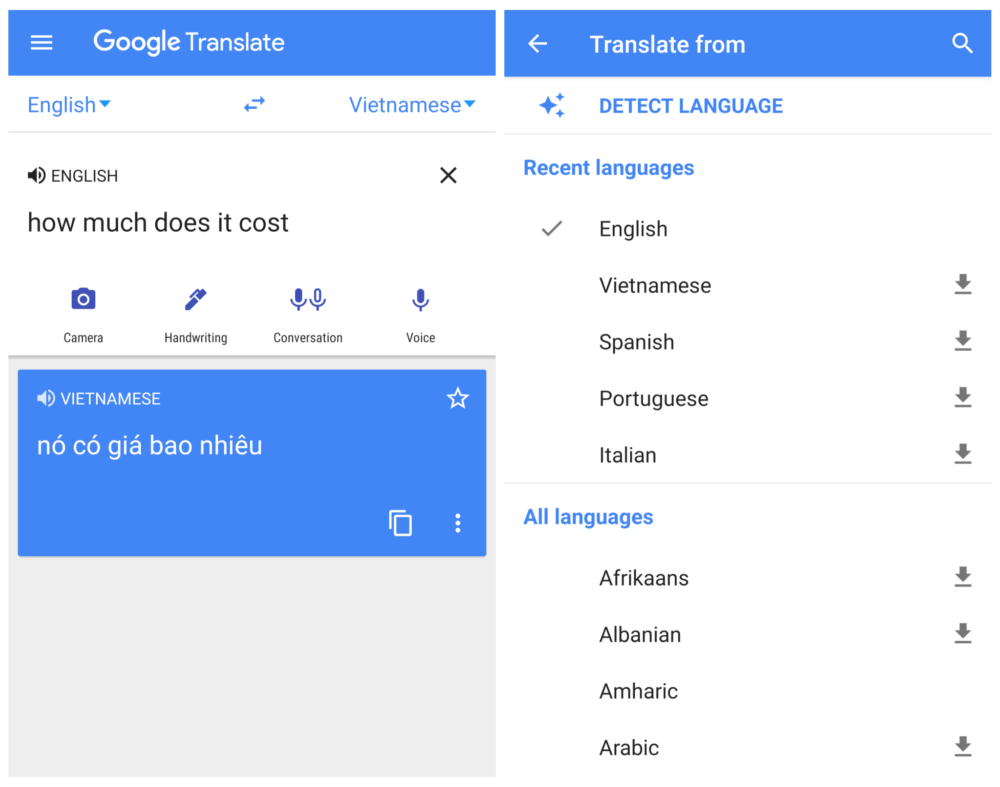
If you’re going somewhere where they speak a different language, download the necessary Google Translate language packs.
This way you can translate things even offline or with poor service.
Jedd showing a Google Translate message to our Vietnamese homestay family at dinner
If you have our Smartphone Savvy Travel course, you can refer to our step-by-step guide to help you set up languages offline. I also recommend reviewing the video tutorials on how to translate real world text with your phone camera as well as audio from live conversations in the Google Translate app.
4. Screenshot or Save Important Confirmations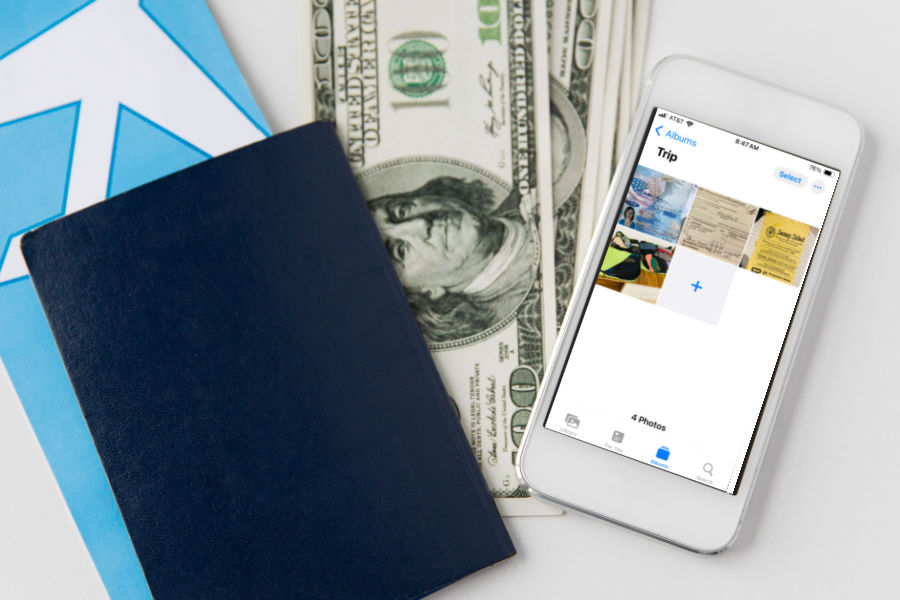
Create an album on your phone with screenshots or photos of your tickets, reservations, and important confirmations.
This reduces frantic searching en route and is more reliable than trying to pull up email confirmations if there isn’t data or Wi-Fi. You can also keep a photo of your ID and of the contents of your checked luggage photo, in case anything gets lost.
5. Adjust Data Usage Settings
Avoid unnecessary and costly background data consumption by adjusting the data usage settings on your phone before you travel.
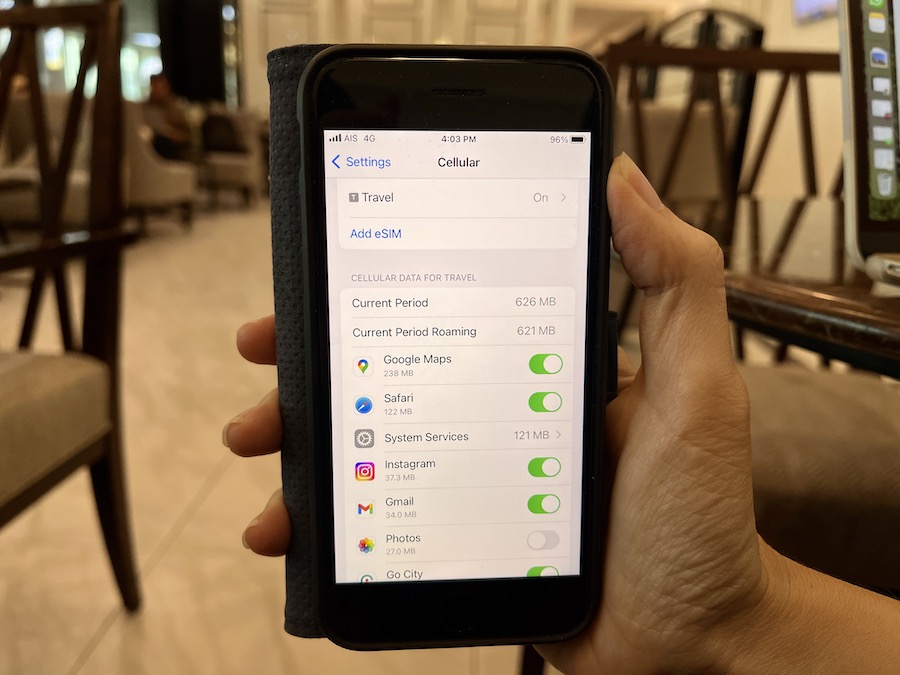
If you have our Toolkit, you’ll find further instruction on which settings to adjust in both the WorldWide Connectivity and Smartphone Savvy Travel courses.
6. Pin Your Accommodation Locations
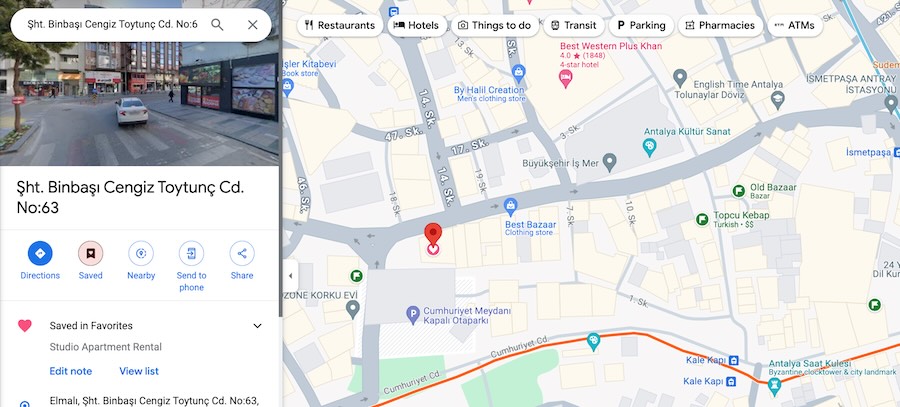
Make sure you don’t get lost by pinning your accommodation and other important locations in your maps app for quick access.
Paired with the offline map step, you’ll be able to navigate to your hotel even if your sim card isn’t working.
If you have our Toolkit or Google Maps Travel Hacks course, you can see my exact system for saving points in the online map. Don’t miss the other tutorials on lesser-known features of Google Maps to facilitate your trip planning.
Phone setup for international travel FAQs
How do I prepare my cell phone for international travel?
Preparing your cell phone for international travel comes down to steps like: set up a data plan or SIM that works at your destination, download offline maps, download translation language packs, screenshot your key confirmations, adjust background data settings to prevent surprise charges, and pin important locations in your maps app.
These first six steps have become important habits of my trip prep whenever we travel internationally. For the most part, they can quickly be done the day before departure.
In the full video and checklist, I share six more phone-related tips you might want to add to your To Do List, depending on your situation.
Access our printable phone prep checklist before your departure here
How do I activate my phone for international travel?
The easiest way to activate your phone for international travel is through your existing carrier’s international add-on, which you can usually enable via their app, website, or by calling the company before you fly.
If you prefer cheaper data, you can activate an eSIM before departure directly from your phone’s settings, or buy a local SIM card on arrival. Check that your phone is unlocked before you travel if you plan to use a SIM from another carrier.
Do I need to change my phone settings when traveling internationally?
Yes, a few settings changes are worth making before any international trip. Turn off automatic data roaming if you don’t have an international plan. Choose which apps you want using up cellular data while you’re abroad. Disable background app refresh and automatic app updates over cellular data, too.
We go over these adjustments step by step in our WorldWide Connectivity course so you can prevent unexpected charges and keep your data lasting longer.
What is the best option for a cell phone when traveling internationally?
It doesn’t matter if you have Android or an iPhone internationally. For most travelers, an eSIM or a local SIM card offers the best value for international travel. Carrier international add-ons are the most convenient but usually the most expensive.
The best choice depends on your destination, trip length, and phone model.
Get your repeatable system with my Tech for Travel courses
My goal is to help you unlock the secrets to crafting unforgettable itineraries, discovering hidden gems, and enjoying seamless travels—all while saving time and avoiding costly pitfalls.
To do this, I’m creating a series of online tutorials to help you harness the internet and your smartphone as a traveler, even if you’re not tech savvy.
You can check out all of the courses on our shop page or join our Intentional Travelers Toolkit membership to access them all.
WorldWide Connectivity tutorials

When it comes to traveling abroad in this day and age, staying connected is crucial.
But here’s something I noticed: many of us are paying way more than we need to for mobile data, without even realizing it.
We’re talking about potentially wasting hundreds of dollars, depending on how much you travel.
When you know how much data you actually need and how to manage it effectively, you can save a ton of money. In our WorldWide Connectivity course, we dive deep into exactly how to choose the best data plans and manage them efficiently, so you never have to overpay again.
Here are other benefits you’ll get out of WorldWide Connectivity:
– No more surprise bills or expensive roaming charges. My course teaches you how to select the best data and phone options for your situation.
– Reduce your risk of getting disconnected from your loved ones or important travel services.
– Practice how to use maps and other apps offline so you can safely navigate home even when things go wrong.
– Understand if you need an international phone number and alternative ways to make calls.
– Ensure that you always have the best and most cost-effective connectivity option at your fingertips, regardless of where your travels take you.
– Learn tricks to secure the most reliable Wi-Fi, including tools to improve signal strength and backup alternatives, so you can work remotely when needed.
Smartphone Savvy Travel tutorials
 Even if you use a smartphone every day at home, it’s not enough to prepare you for international travel situations. You need the right skills and knowledge to prevent major headaches, overspending, and safety risks while abroad.
For folks who want only the essential skills and strategies necessary to enjoy smoother international trips, take our Smartphone Savvy Travel challenge!
These bite-size lessons help you master the four most essential apps and smartphone best practices so you can travel with confidence and ease, especially in unfamiliar countries.
In the Smartphone Savvy Travel tutorials, you’ll learn:
– My phone tricks for hitting the ground running in a new destination with less stress
– How to harness 4 essential smartphone apps for smoother, safer travel
– How to manage phone battery and storage to avoid issues
– Essential tips to navigate unfamiliar places with ease, even offline
Key Takeaways
- Sort your data plan (eSIM, local SIM, or carrier add-on) before departure.
- Download offline maps and translation packs before you fly.
- Screenshot confirmations: more reliable than searching email with patchy data.
- Turn off background data and auto-updates to avoid surprise charges.
- Pin your accommodation and other important locations in maps.
- Most steps take under an hour altogether, finished the day before departure.
You might also like:
Google Maps secrets every traveler should know
How to Use MyMaps on Your Phone with Google Maps App
iPhone vs Android: What is the best phone for international travel?
Should Travelers Use eSIMs? International Travel E-sim How To and Tips
Even if you’re not ready to dive deeper into our travel tutorials, don’t forget to grab your copy of our Pre-Trip Smartphone Checklist to ensure your phone is ready for international travel.
Sign up for your free copy via the form below.